HDMI Gremlin Evicted
It appears that my "blood moon" red tint issue has disappeared. AVerMedia support suggested rolling back the capture card's firmware to version 1.0.7.7 or 1.0.7.10 to see if the issue went away. After rolling back to both versions and updating back to the current version of 1.0.8.1, the gremlin haunting my capture has been evicted.
Before diving into the current (and hopefully final state of affairs/performance), I do owe Elgato specifically an apology. I originally pegged this red issue on the Switch 2 and my Elgato 4K X, given the subreddit was filled with issues around the consoles launch.
I'm not sure where the fault lies here. I suspect it is a mix between Nintendo and Elgato, probably more on the side of the Big N. I'll let you all know if I switch to AVerMedia because of all this.
I have switched to AVerMedia because of this. Since the problem leapt over to my new AVerMedia card, Elgato was not the a culprit at all.
While my problem with the 4K X's strange pass-thru performance compared to the HD60 X still stands, along with the promised performance on M1 Apple Silicon Mac computers, they were not at fault here. I am sorry for incorrectly piling on blame. Elgato's support team has been working with me to help resolve a separate, but (I think) related issue with the Switch 2 and the HD60 X even though I sold the 4K X to pay for their competitor's product. I've been an Elgato customer for over 12 years. I pushed their Game Capture HD and my MacBook Air harder than they probably ever should have been.
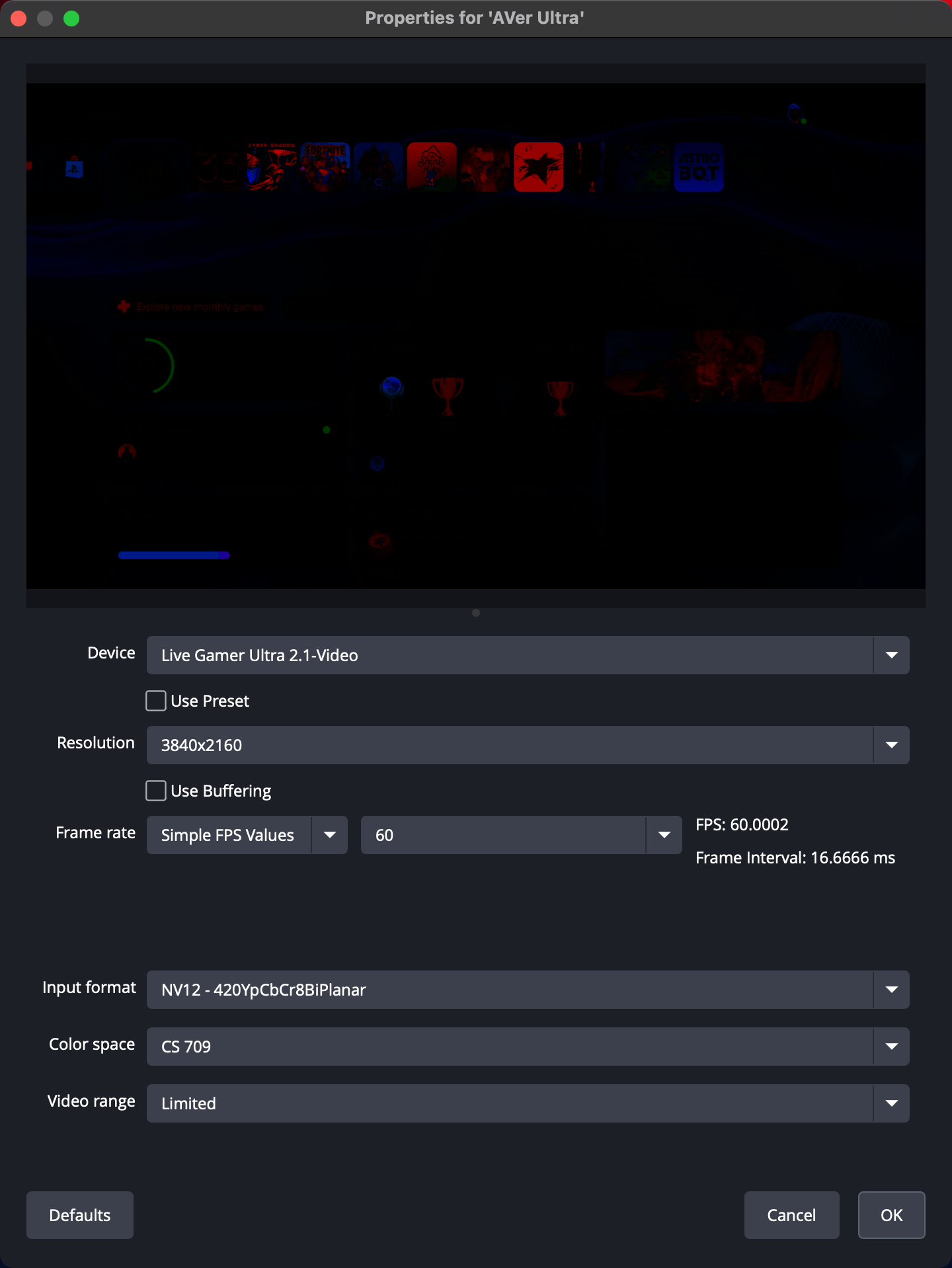
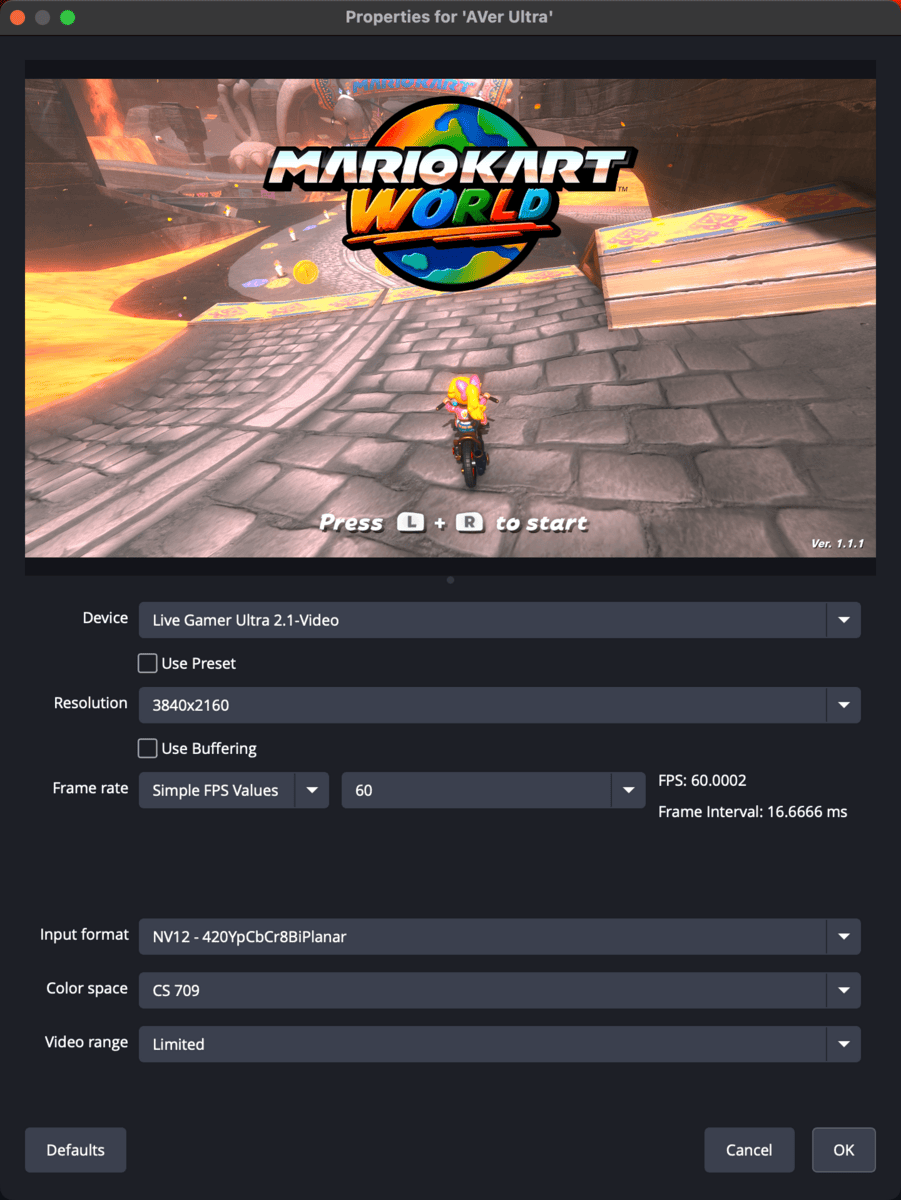
Here is what my card was producing before the rollback.
And the subsequent rollbacks.
1.0.7.7
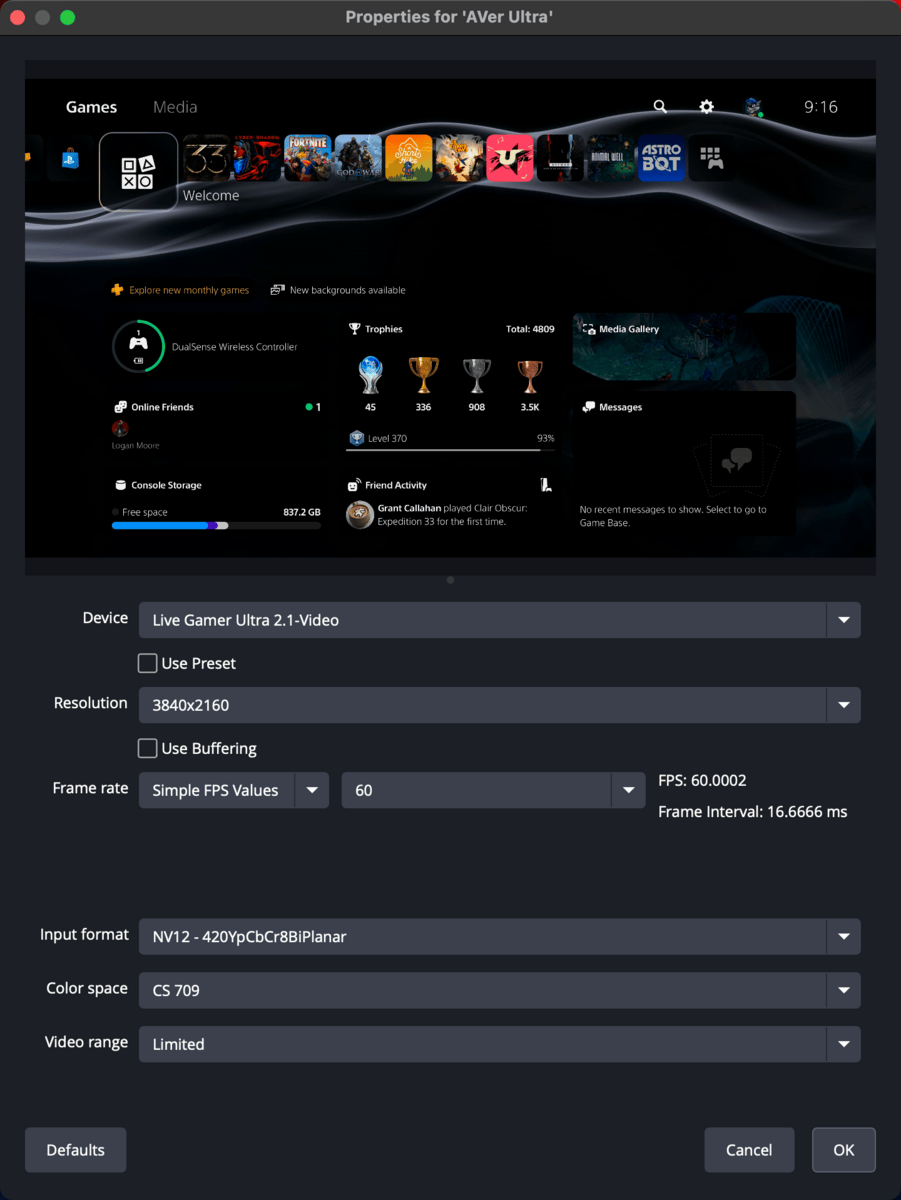
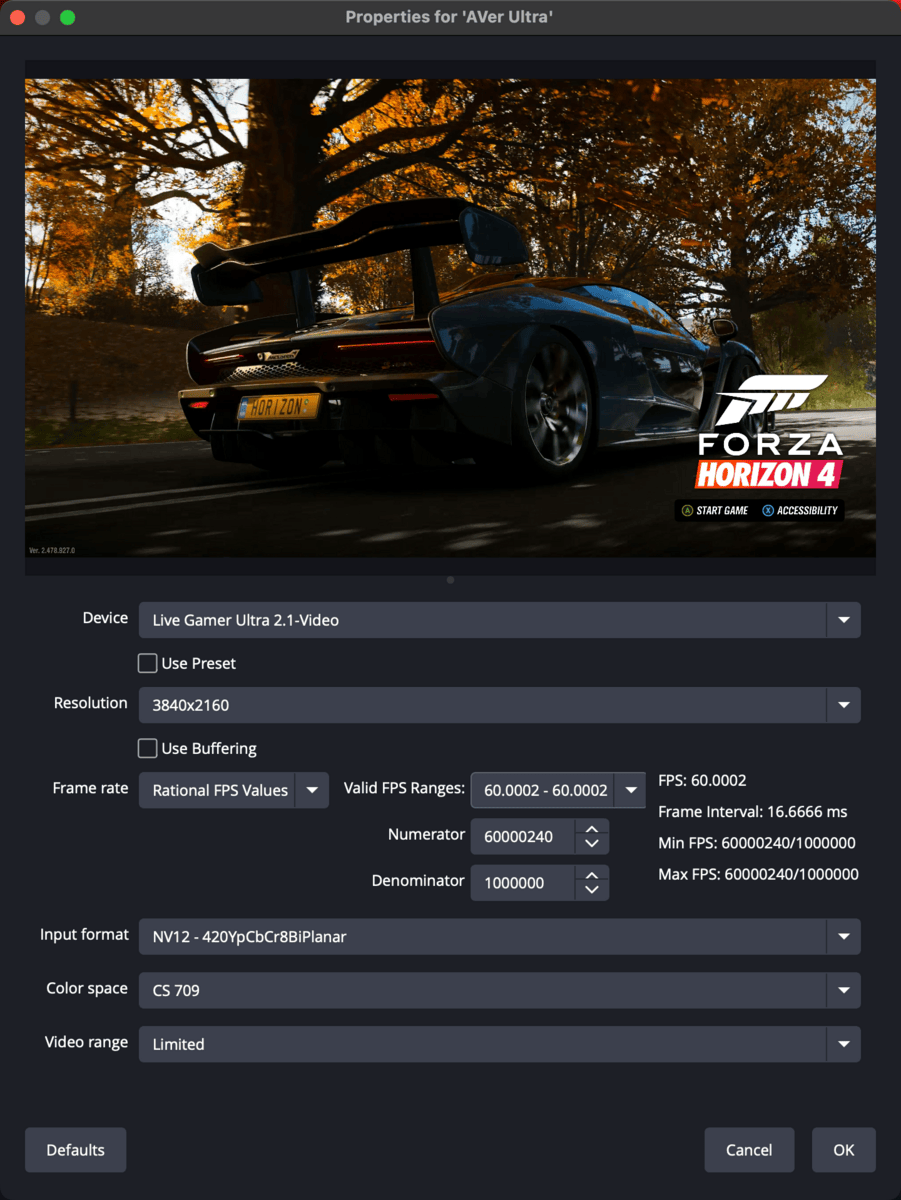
1.0.7.10
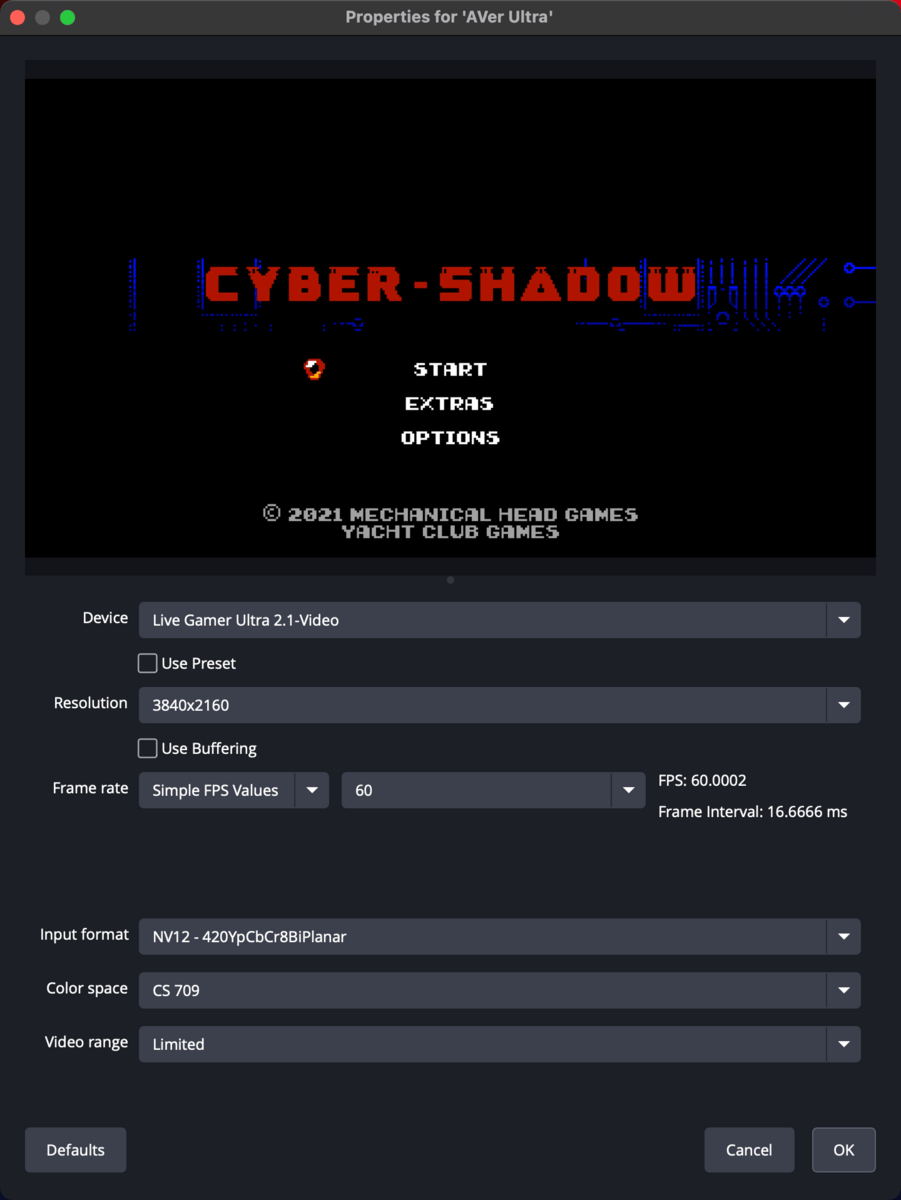
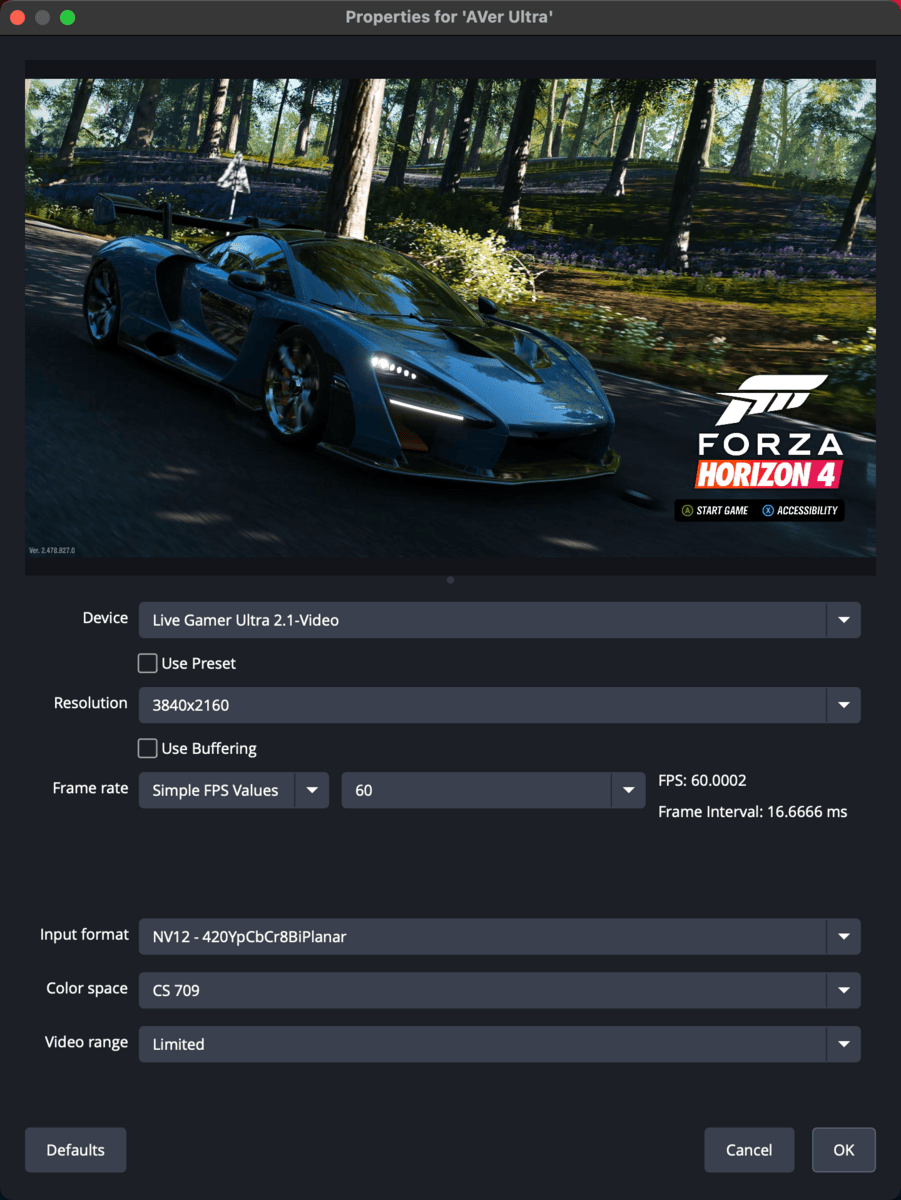
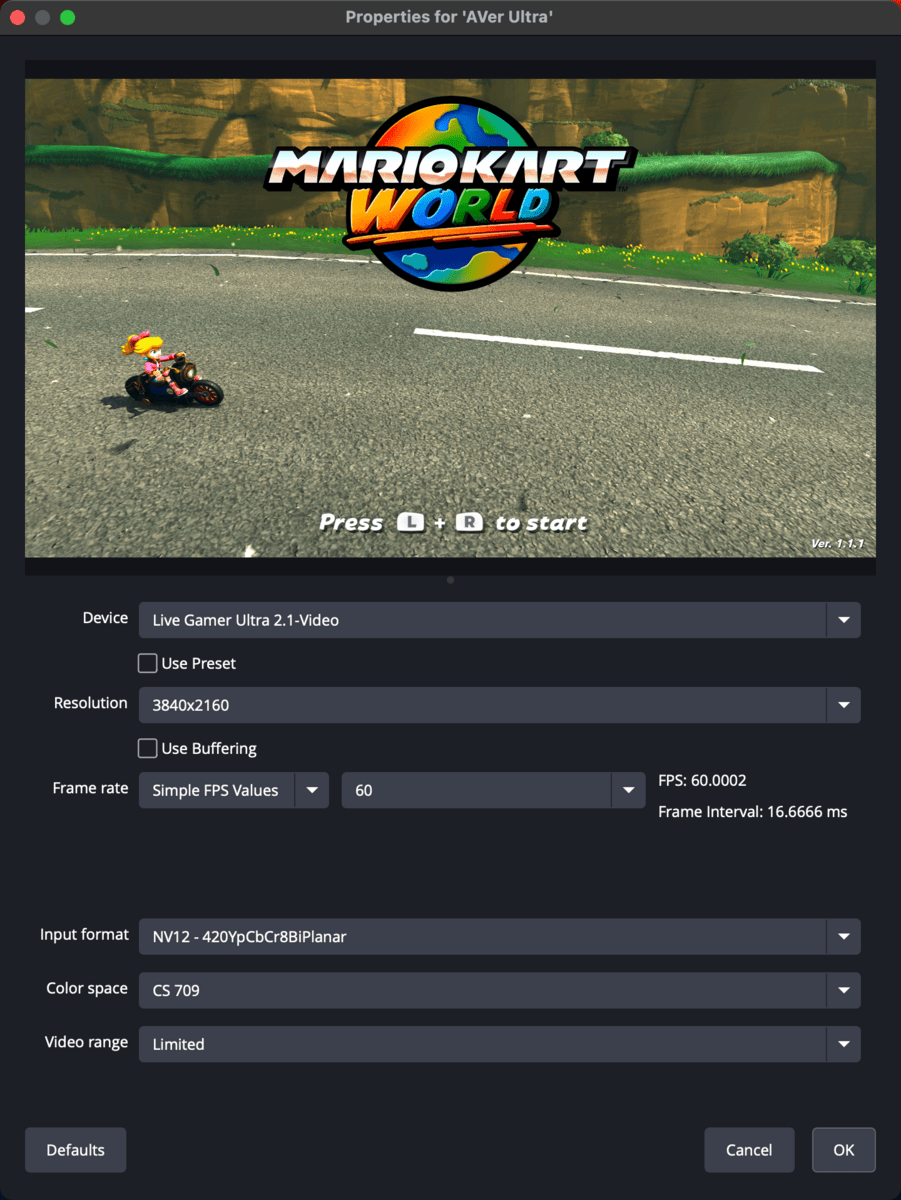
1.0.8.1 (Fresh Install)
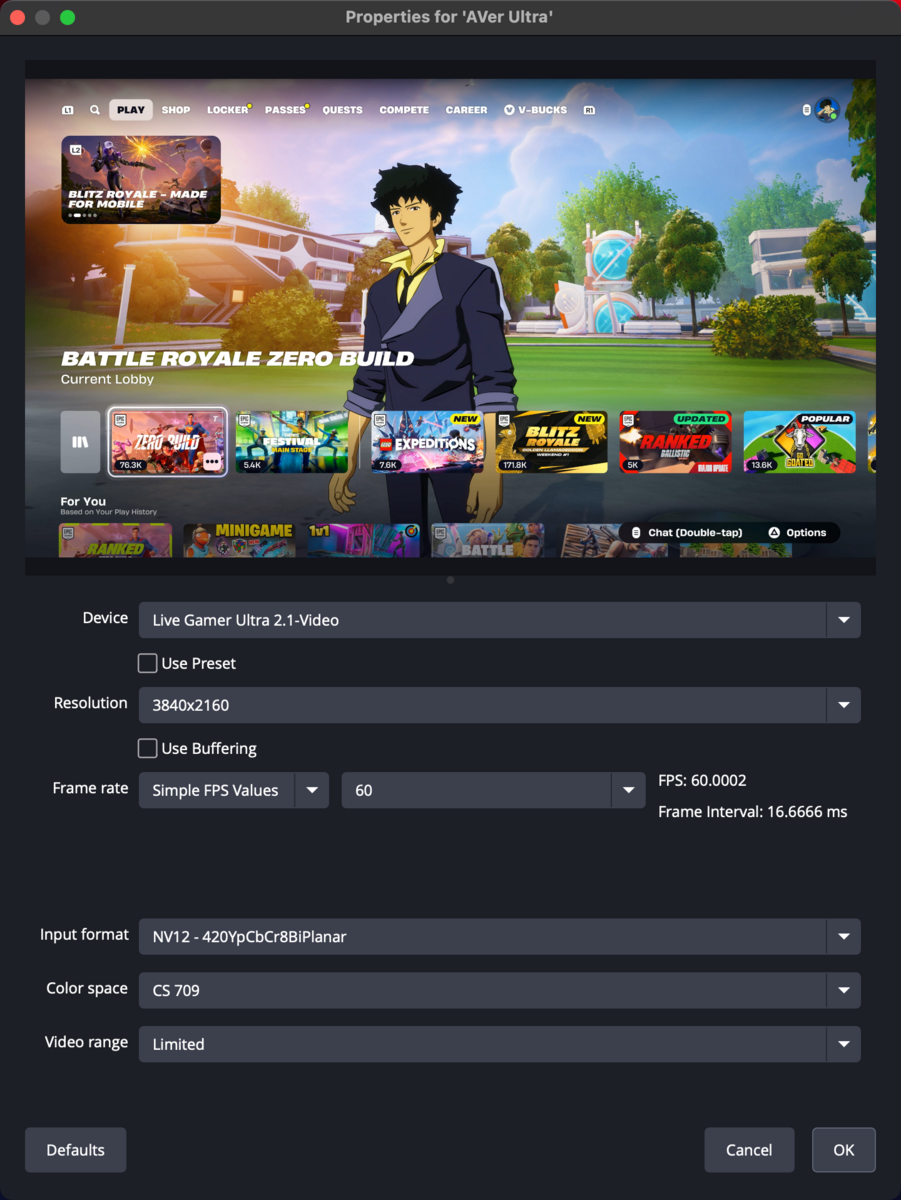
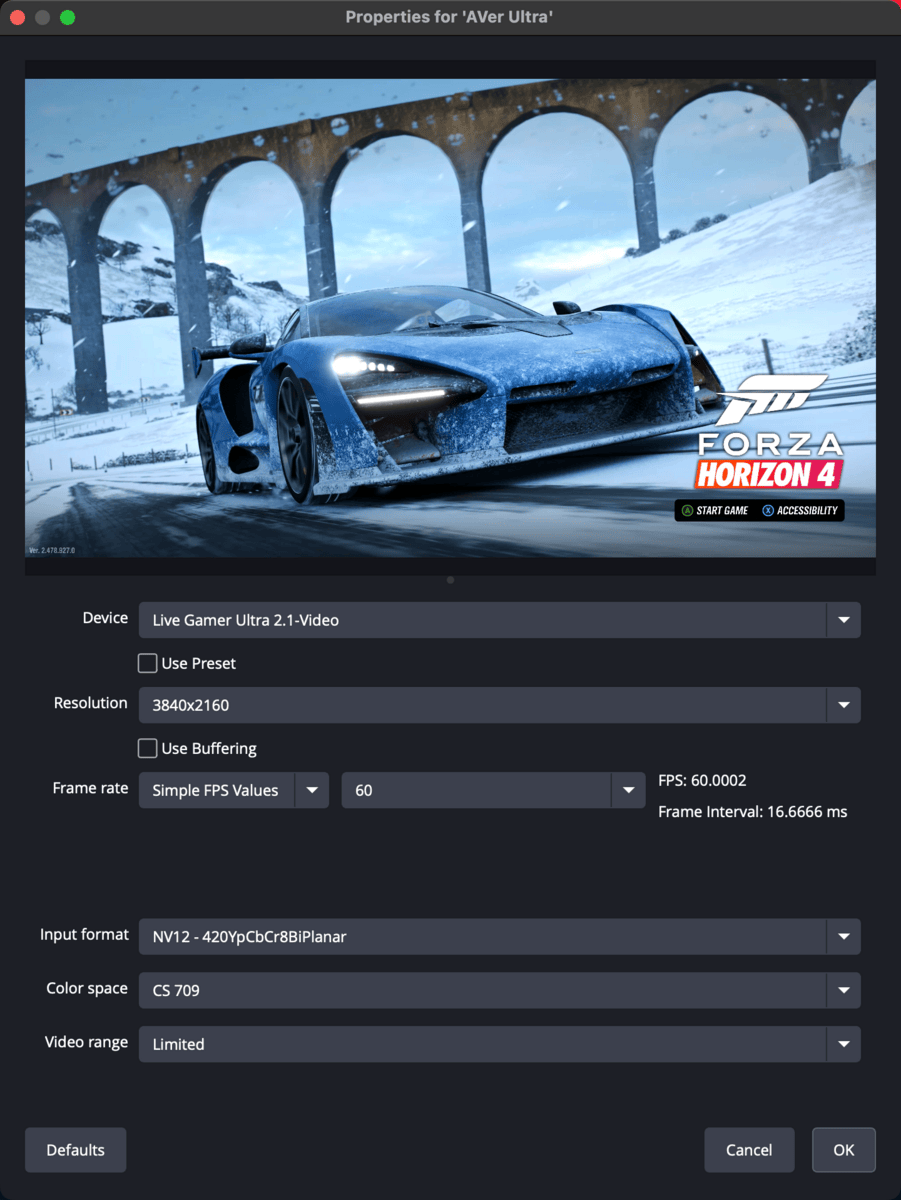
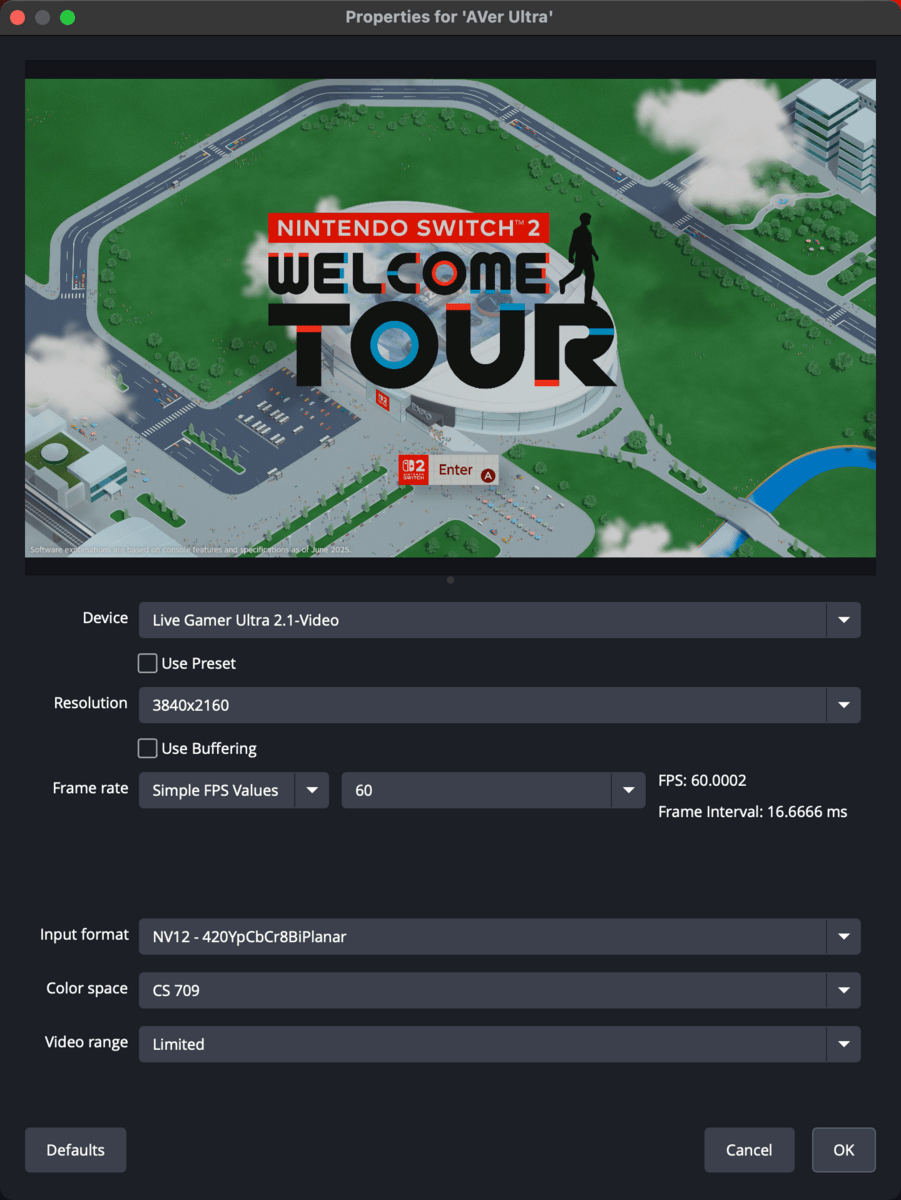
The AVerMedia GC5532G2 Live Gamer Ultra 2.1 capture card was passing-through full HDMI 2.1 spec footage to my LG C1 with these tests. Forza Horizon 4 was outputting its glorious 4K120 HDR gameplay. The Switch 2 booted up immediately in HDR (Mario Kart World was open) and looked as one would expect. Opening the Frame Rate test in Welcome Tour switched the console into 1440p120, despite 1440p being grayed out in the display menu on the console. Everything is performing as it should...it seems.
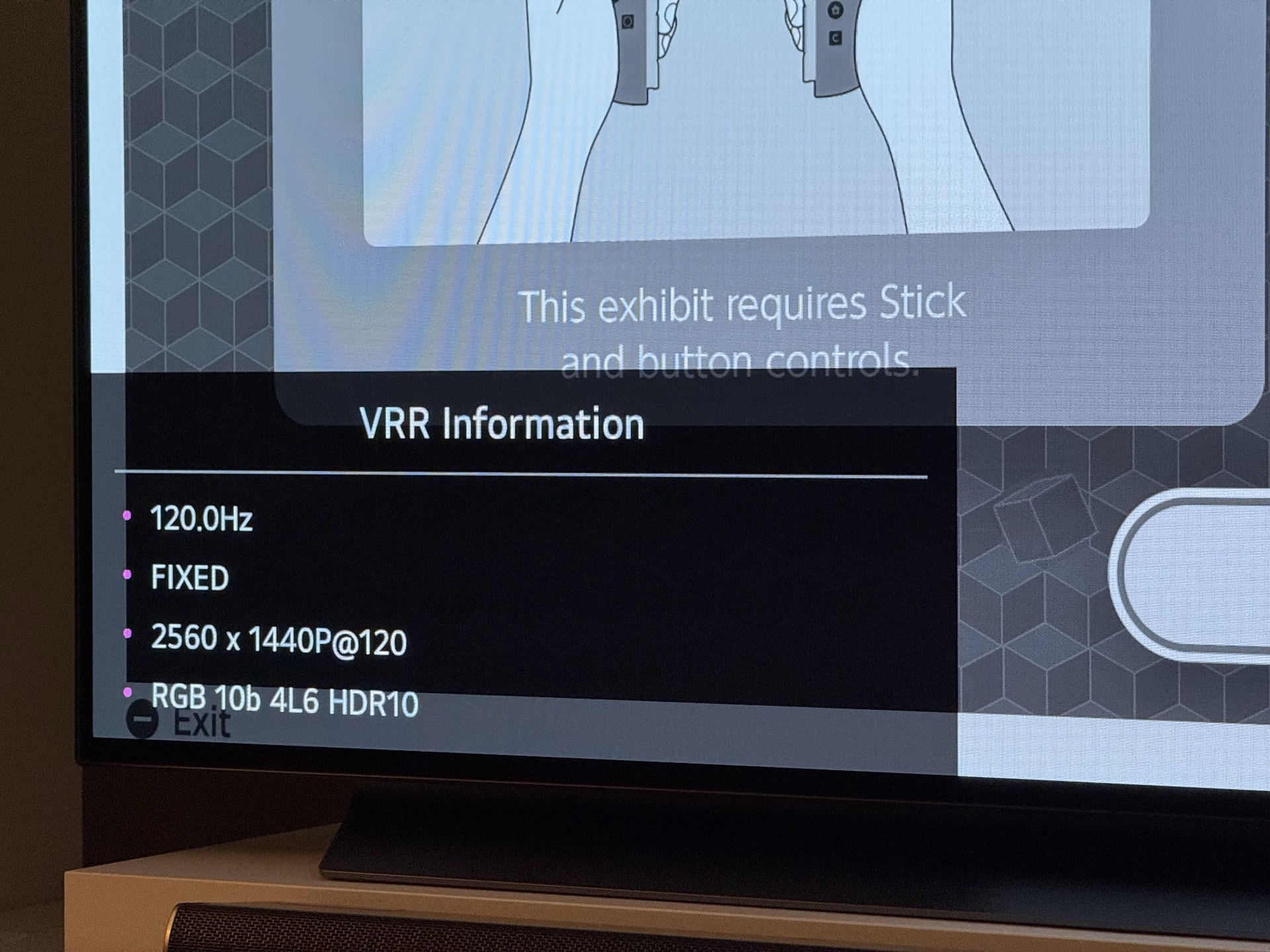
I haven't given the whole chain a proper play session to test it. I didn't bump the Switch 2 down to SDR as it does depending on the software. I didn't try my RetroTINK-4K Pro. There is still some ways to go to be positive the issue has been resolved, but at least I seemingly have a way to restore expected performance.
While I am relieved that the issue appears to be gone, I still have lingering doubt. We still do not know what caused the issue to begin with. I can't be sure it won't pop up again. Some factors have changed since it all started: The Switch 2 received a nondescript firmware update; I integrated the dbrand Killswitch 2 case and dock adapter; I found a more optimal cable flow in my capture setup.1
My theory is that there was a major whiff of an EDID handshake that jacked up the USB-C video signal in the capture cards caused by the Nintendo Switch 2. This issue only appeared once it entered the setup, and for a time, disappeared when the dock was disconnected from The Apparatus™. I can't know though and that is going to have to be enough for me.
I will be running a more extensive test later, perhaps tonight if my Monday night ultimate frisbee plans are cancelled. For now, I am grateful that the problem is gone, even if just for a moment.
Footnotes
-
All consoles into the switcher first then the splitter. This allows for everything to independently be sent to the TV. Not sure why I didn't think of that sooner. ↩