Capture Software for Modded 3DS Consoles Built Exclusively for macOS
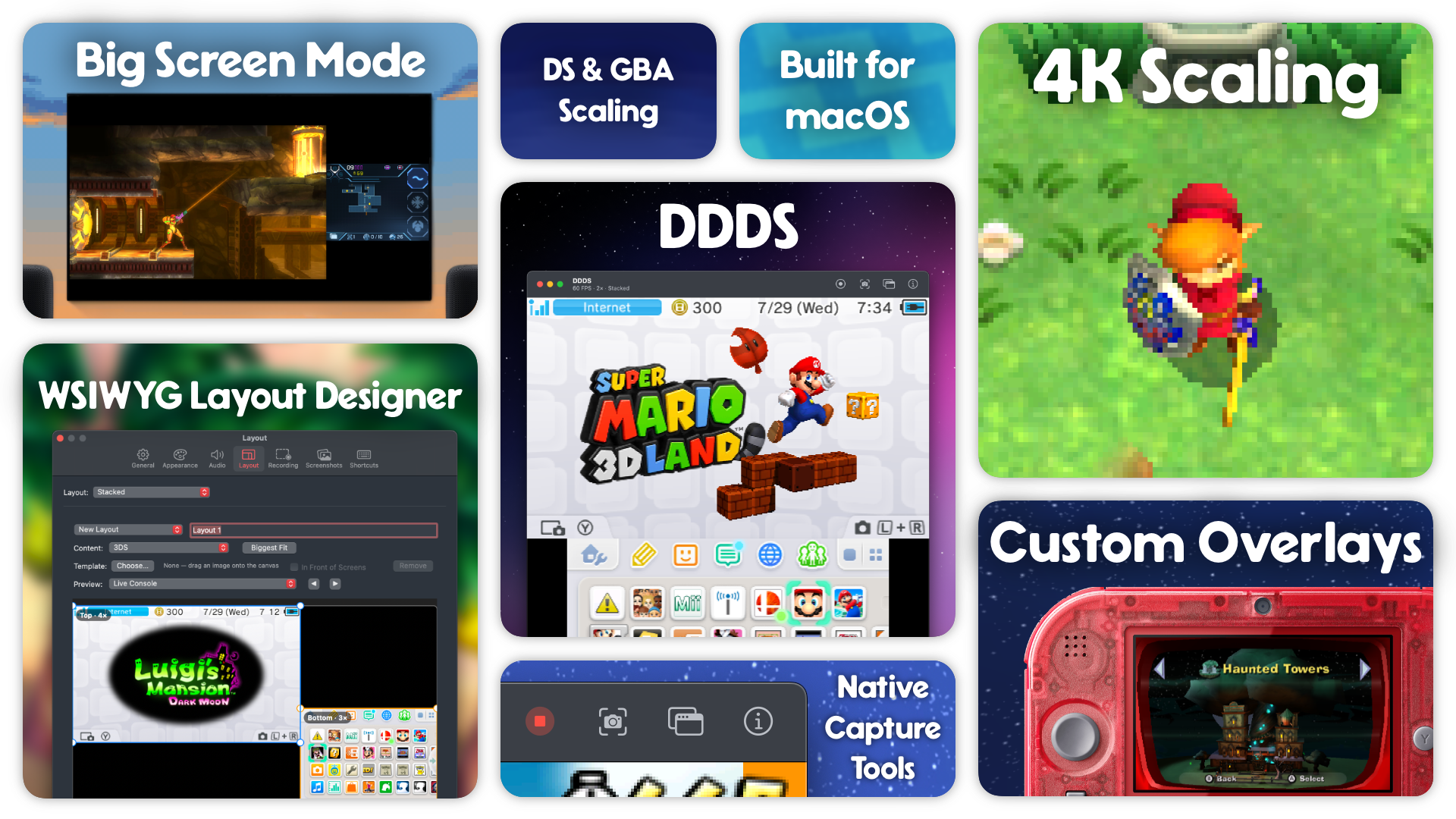
Features
Here are some high level features for the app.
- Built exclusively for macOS.
- Scale footage on both screens, up to 4K resolution.
- Proper scaling for 3DS, DS, and GBA titles.
- Record screens together or independently, up to 4K in HEVC or Apple ProRes 4444.
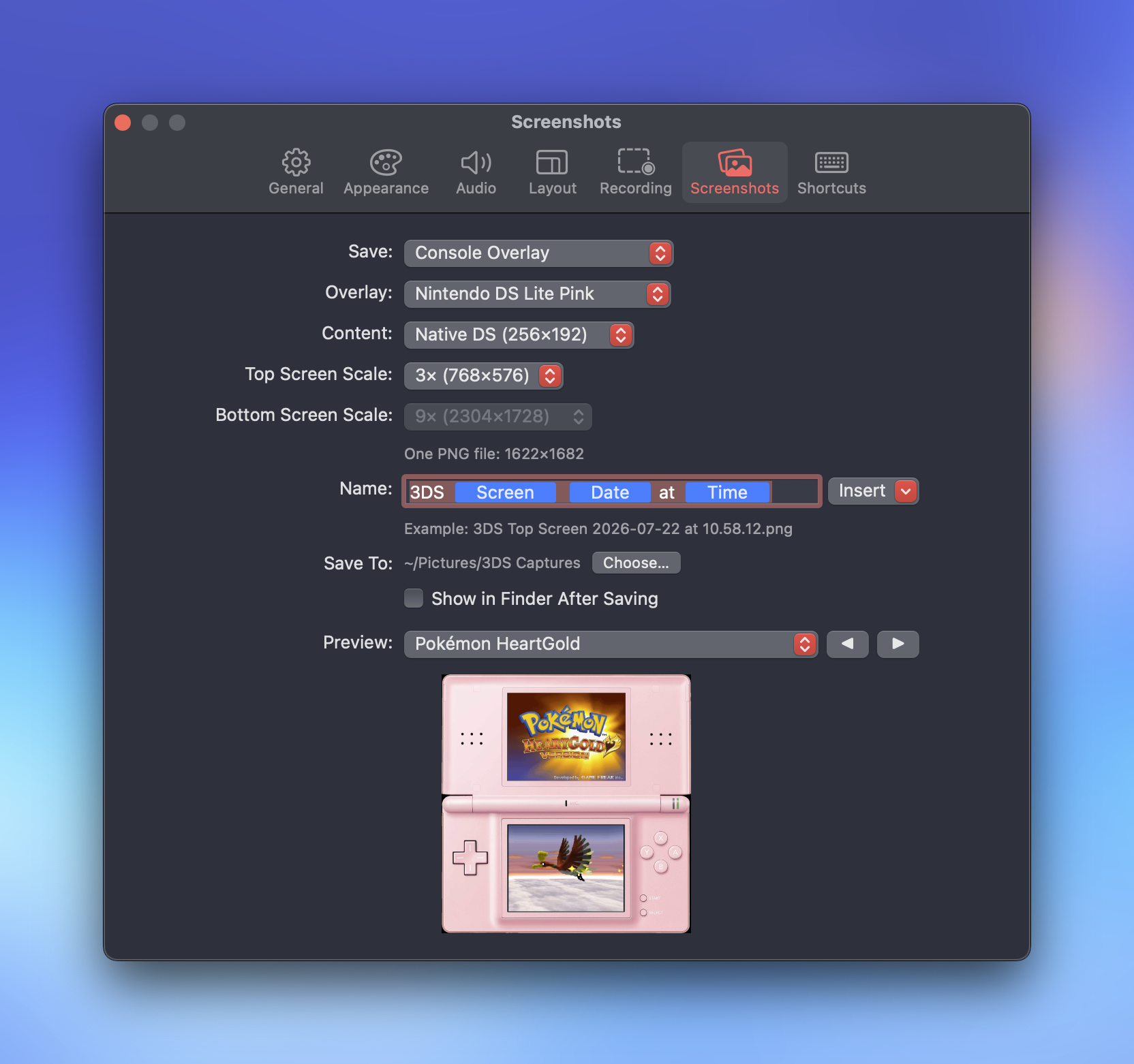
- Customizable recording and screenshot settings.
- WYSIWYG layout designer to make your ideal recording or streaming layout.
- Integrated hardware overlays for authentic feel and presentation.
- Big Screen mode for playing on a connect television or monitor while keeping your Mac available for use.
You can read more about the creation of the app in the announcement post.
Changelog down below for the technically curious.
Modding your 3DS
DDDS requires your 3DS to be modded with a capture board to work. I recommend 3dscapture.com. I sent mine off to Loopy and had a wonderful experience. If you are comfortable modding yourself, you can order the boardss from Loopy and do the install. Tito from Macho Nacho Productions has a video about the process.
DDDS also supports Keity/Katsukity "Optimize" Capture mods, but I do not have personal experience with these products.
Screenshots
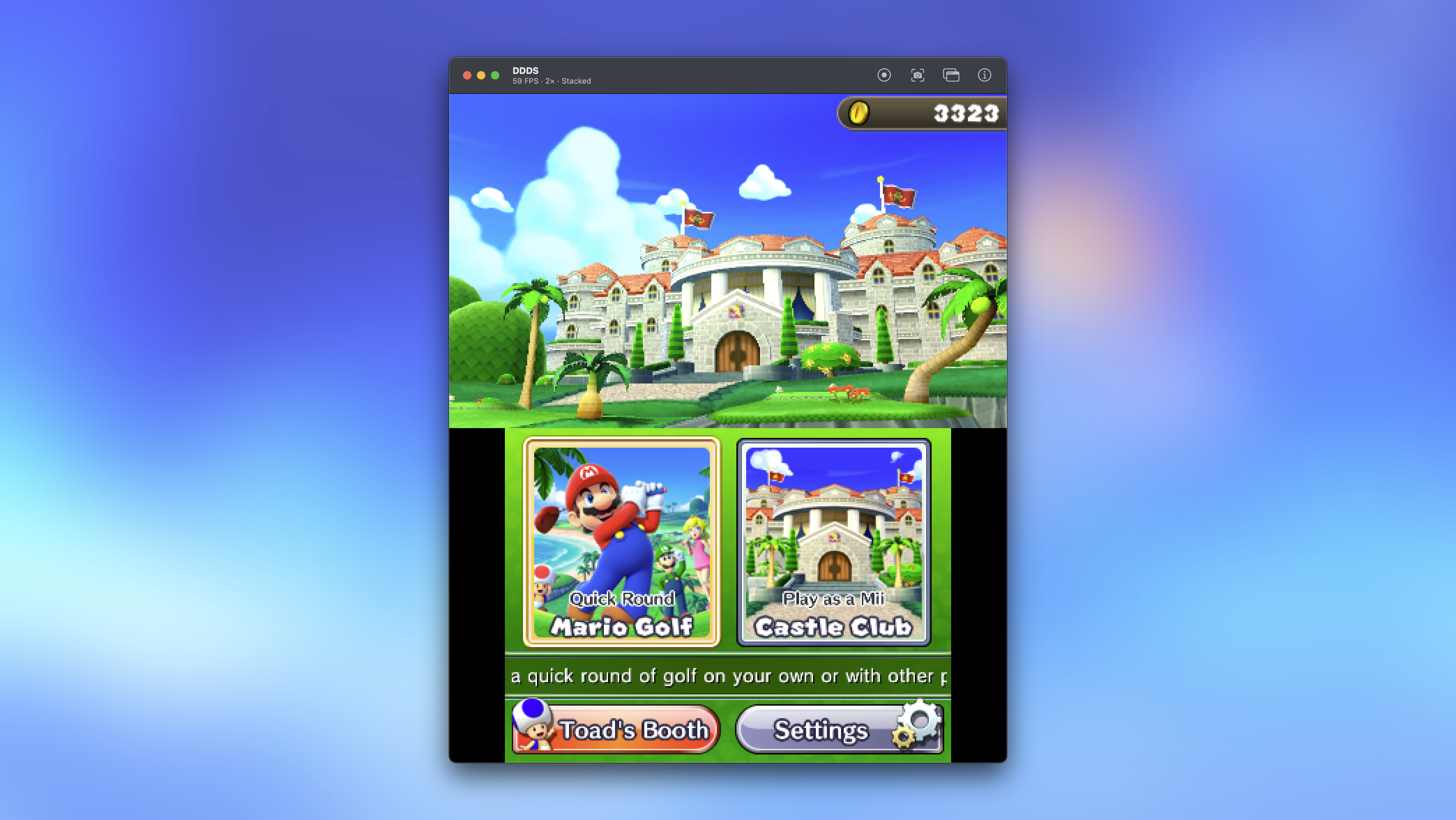 DDDS main window with a 2x scale of Mario Golf: World Tour
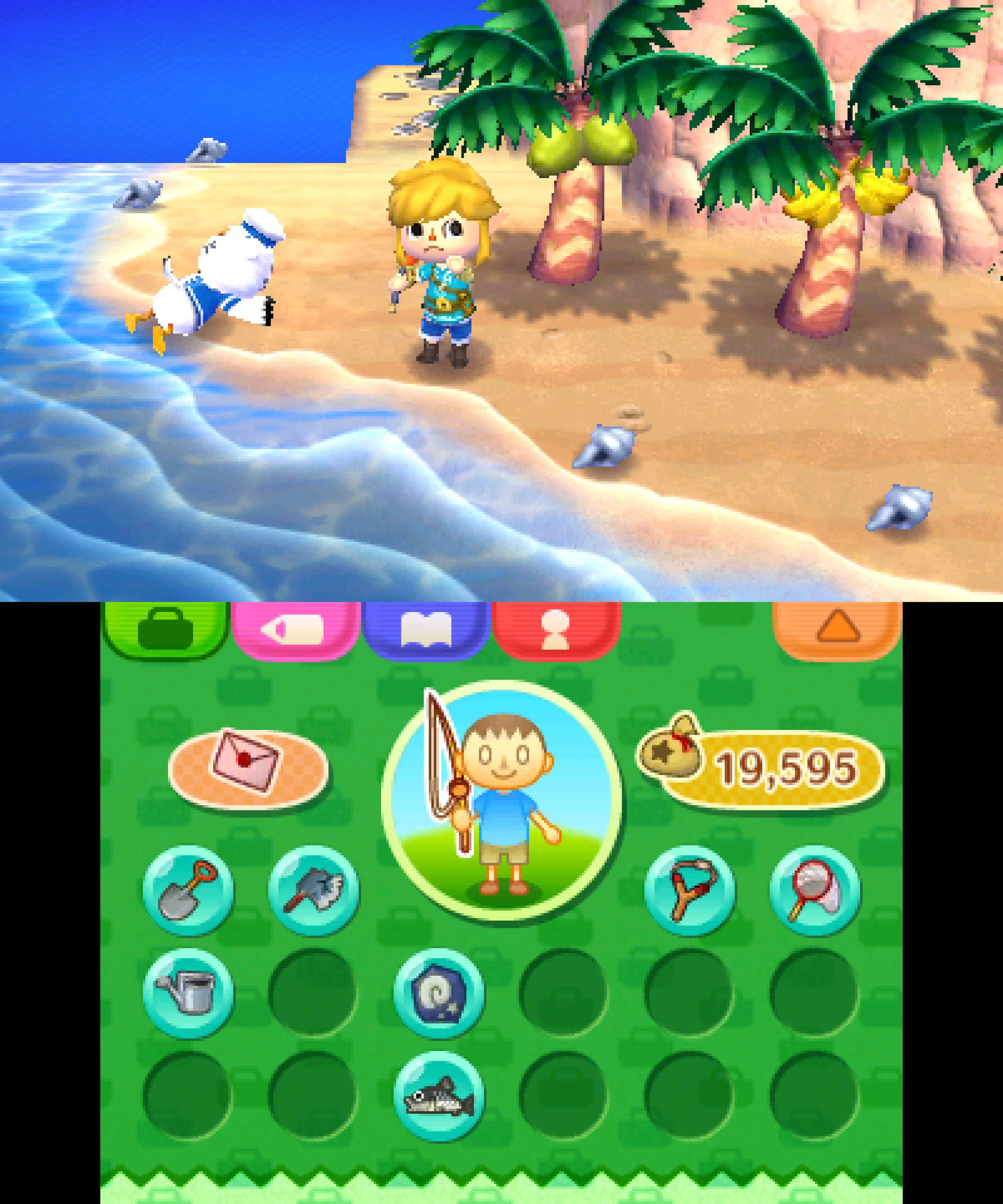 Animal Crossing: New Leaf top and bottom screens scaled by 9x
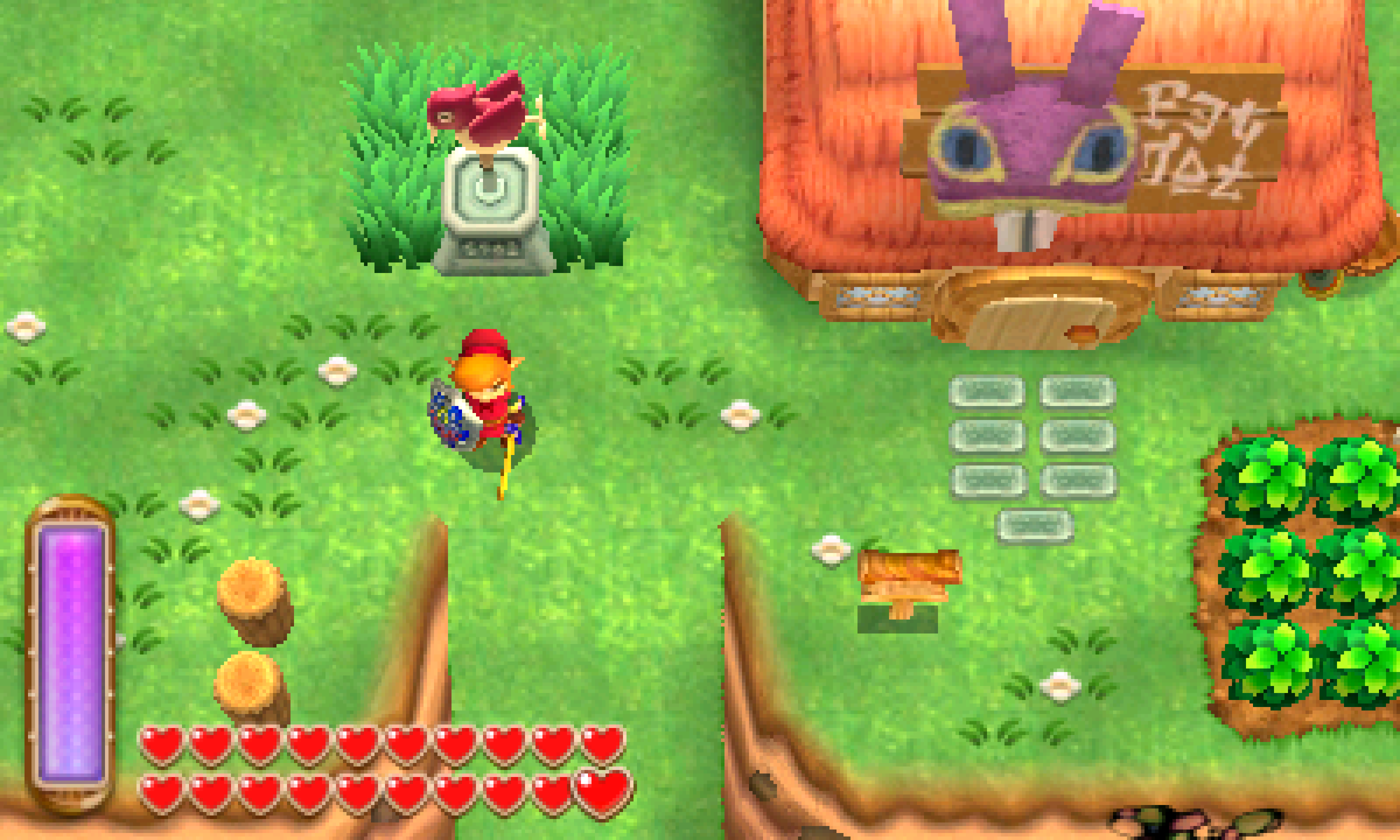 The Legend of Zelda: A Link Between Worlds top screen scaled by 9x
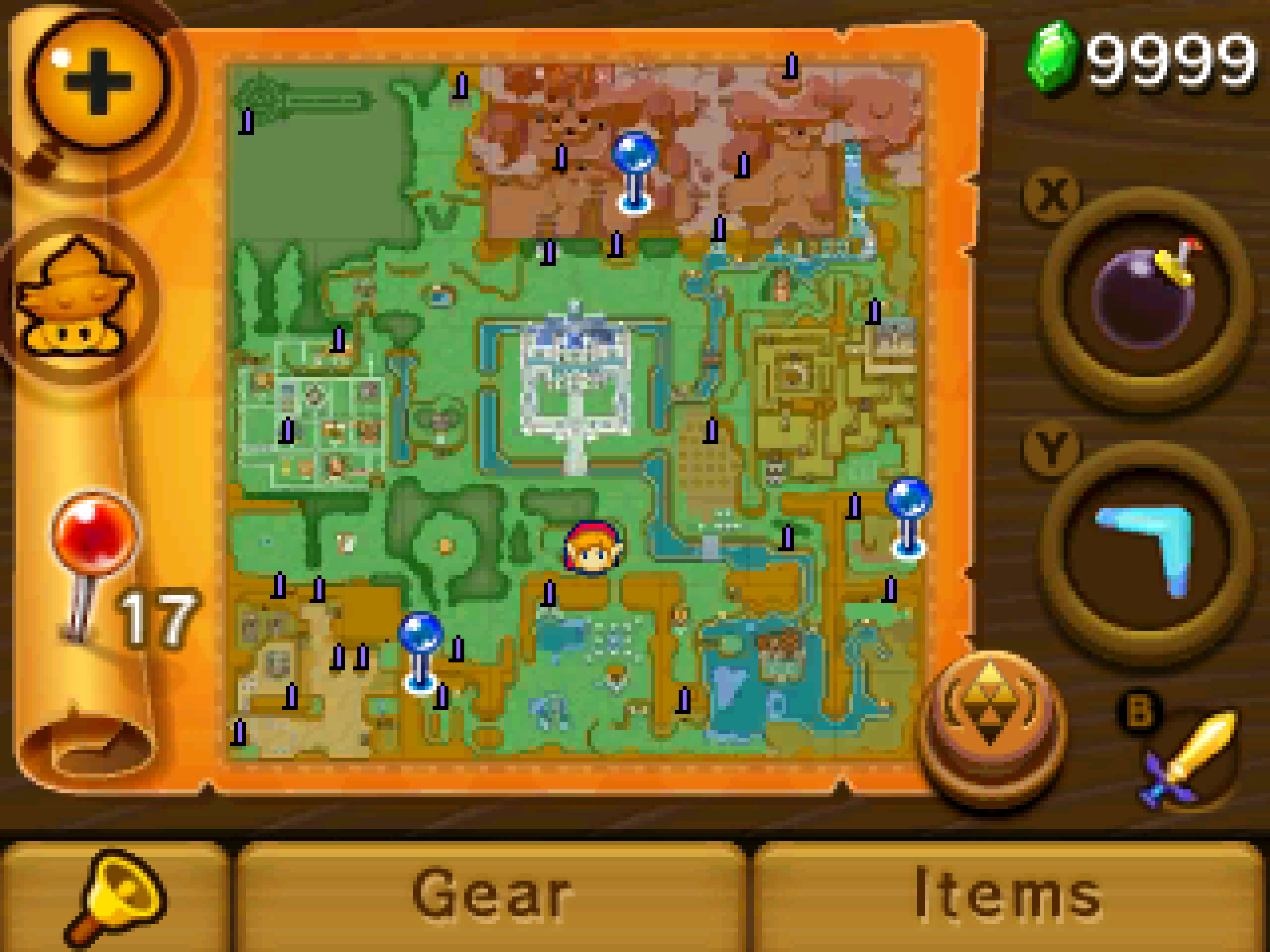 The Legend of Zelda: A Link Between Worlds bottom screen scaled by 9x
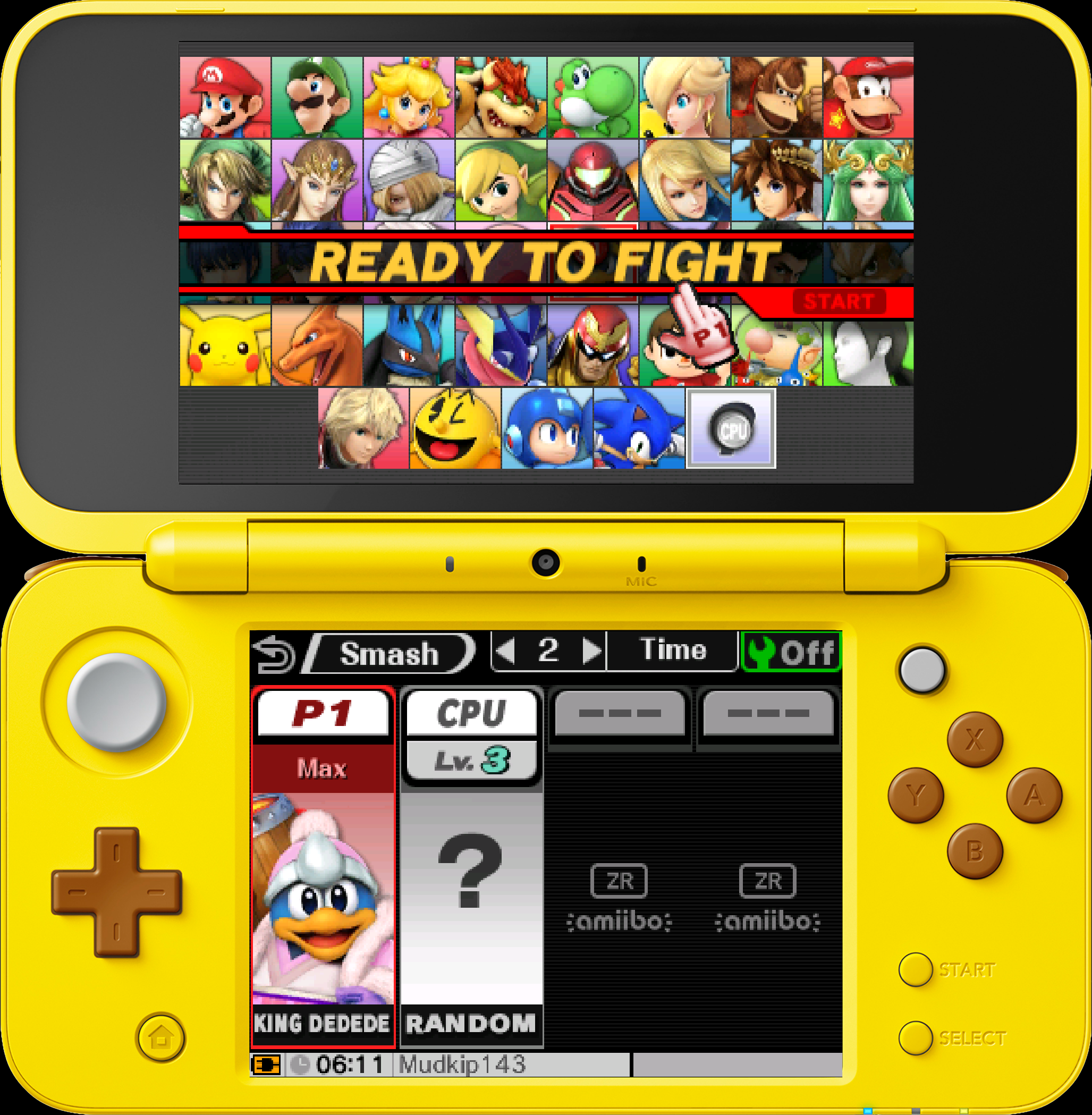 Super Smash Bros. for 3DS in an overlay of a Pikachu New 2DS XL
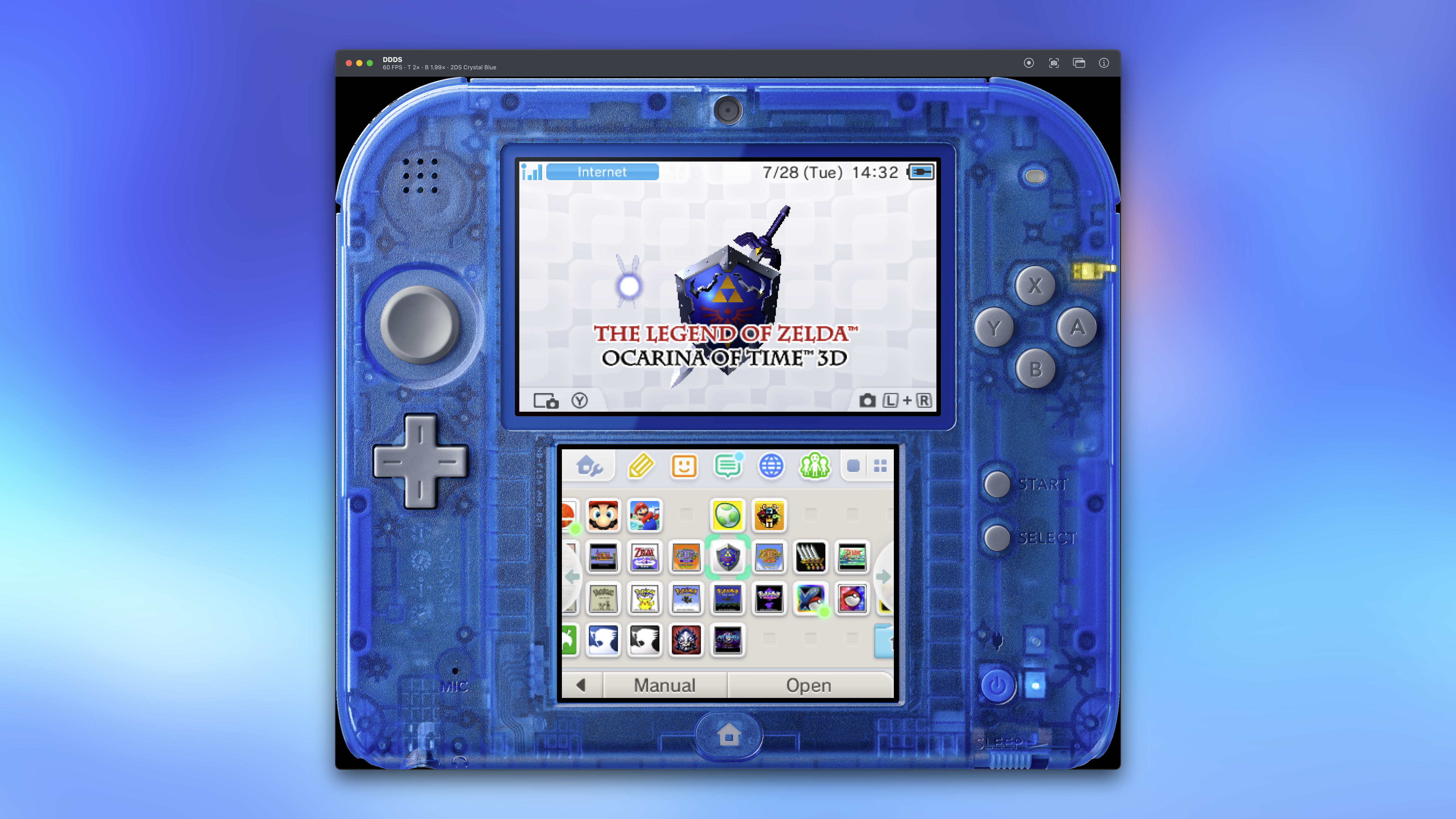 DDDS with an overlay of a crystal blue 2DS
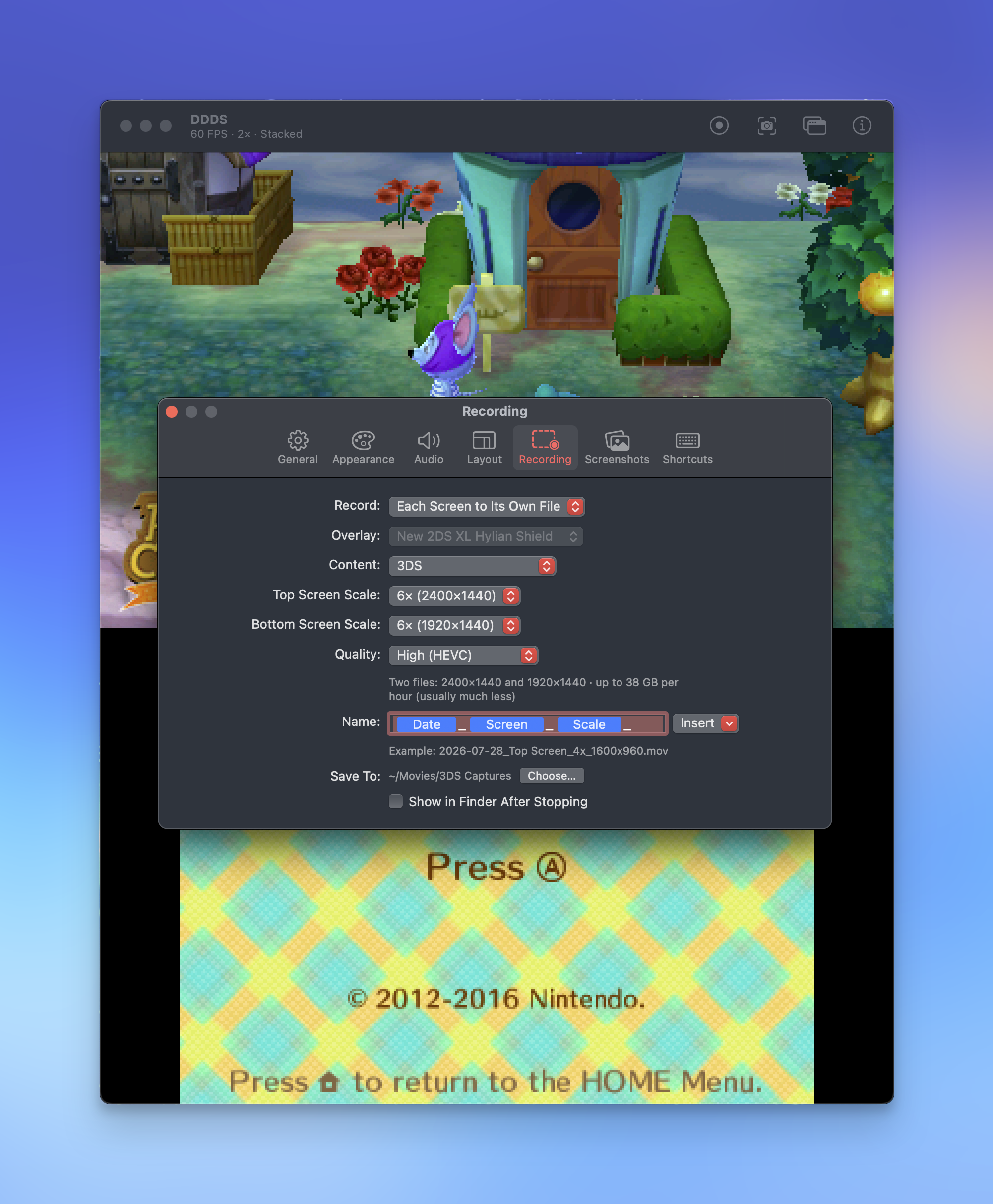
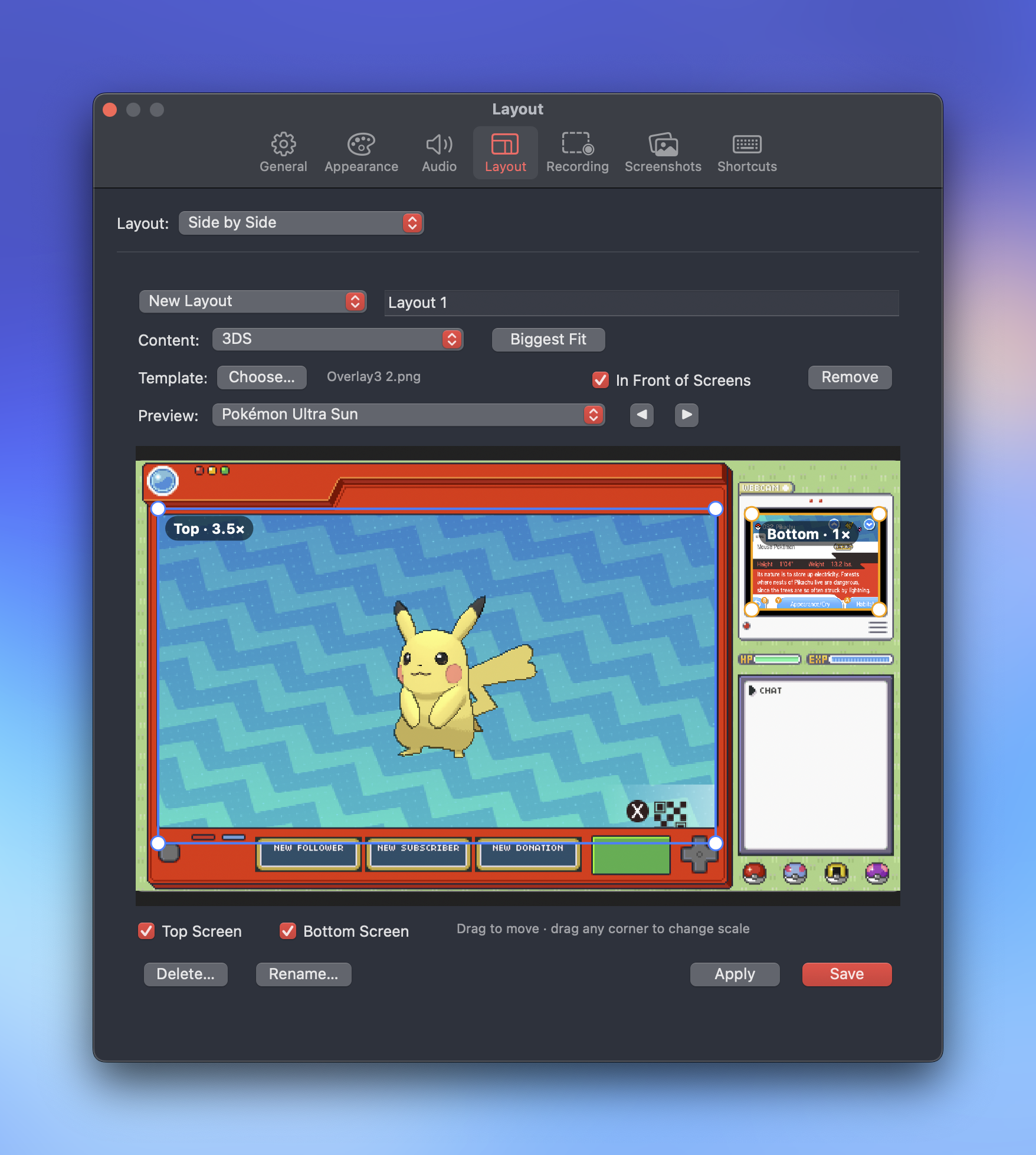 The W.Y.S.I.W.Y.G. layout designer in DDDS
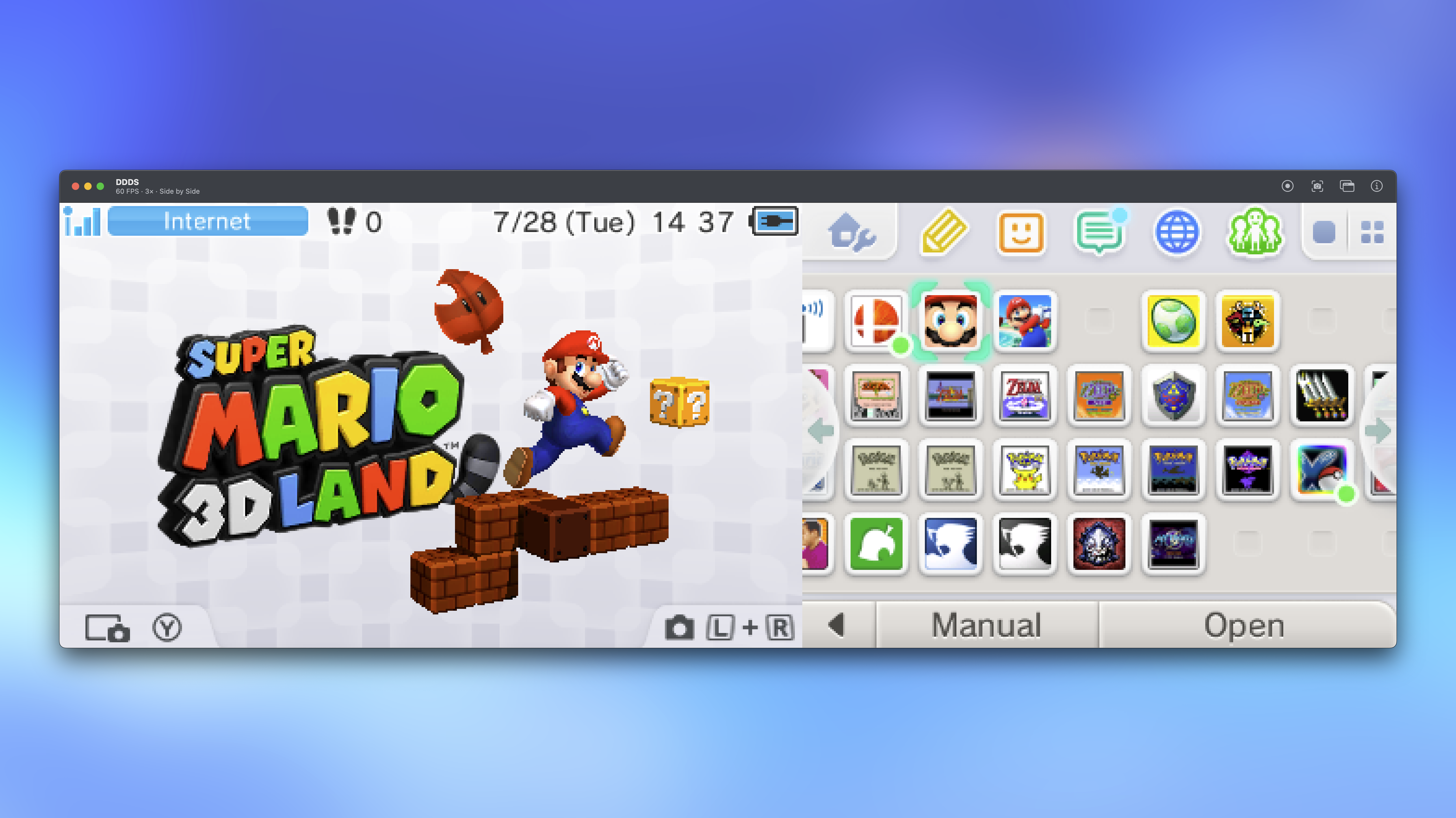 A 3x side-by-side scale
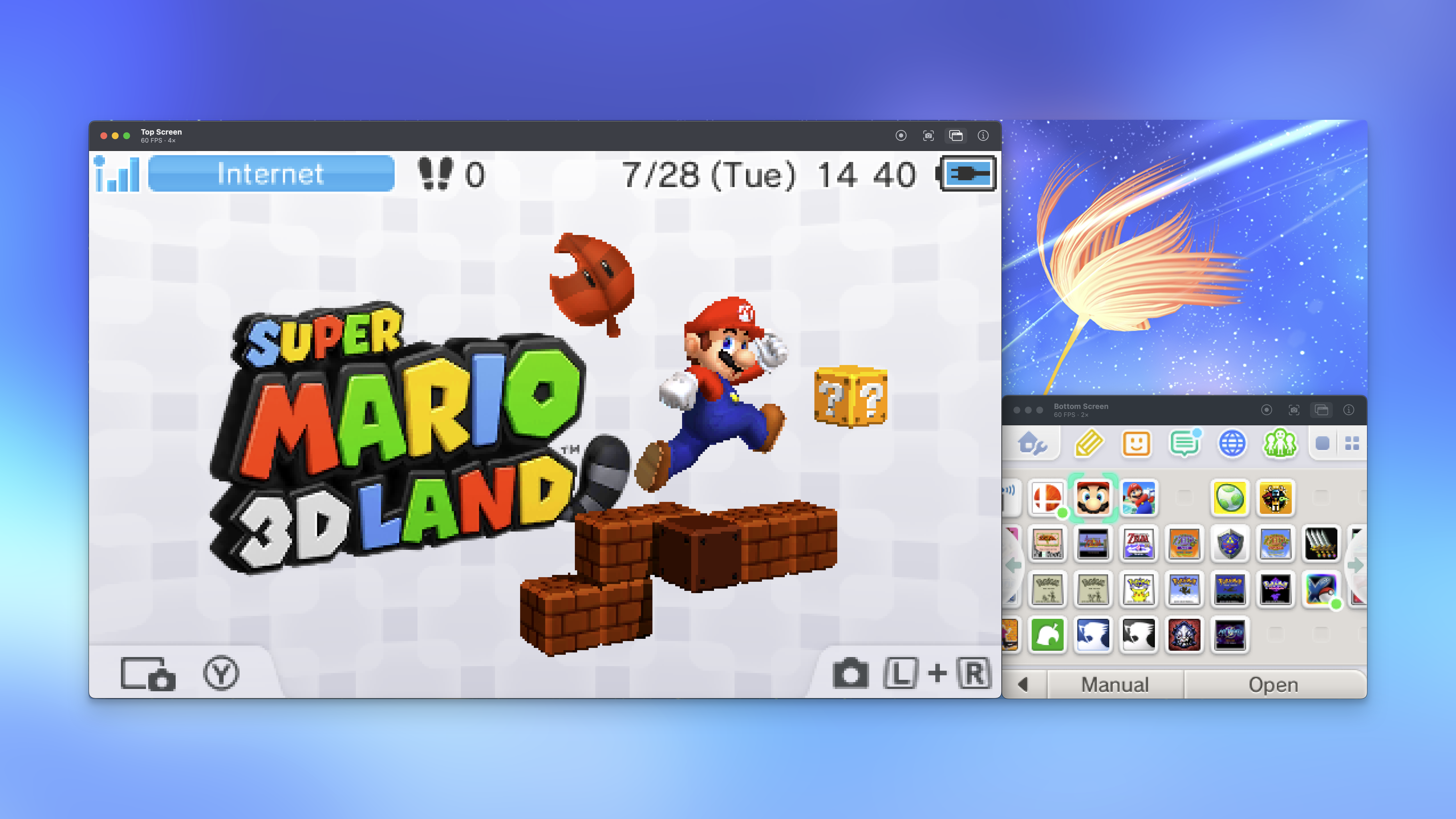 Top and bottom screen split with a 4x and 2x scale
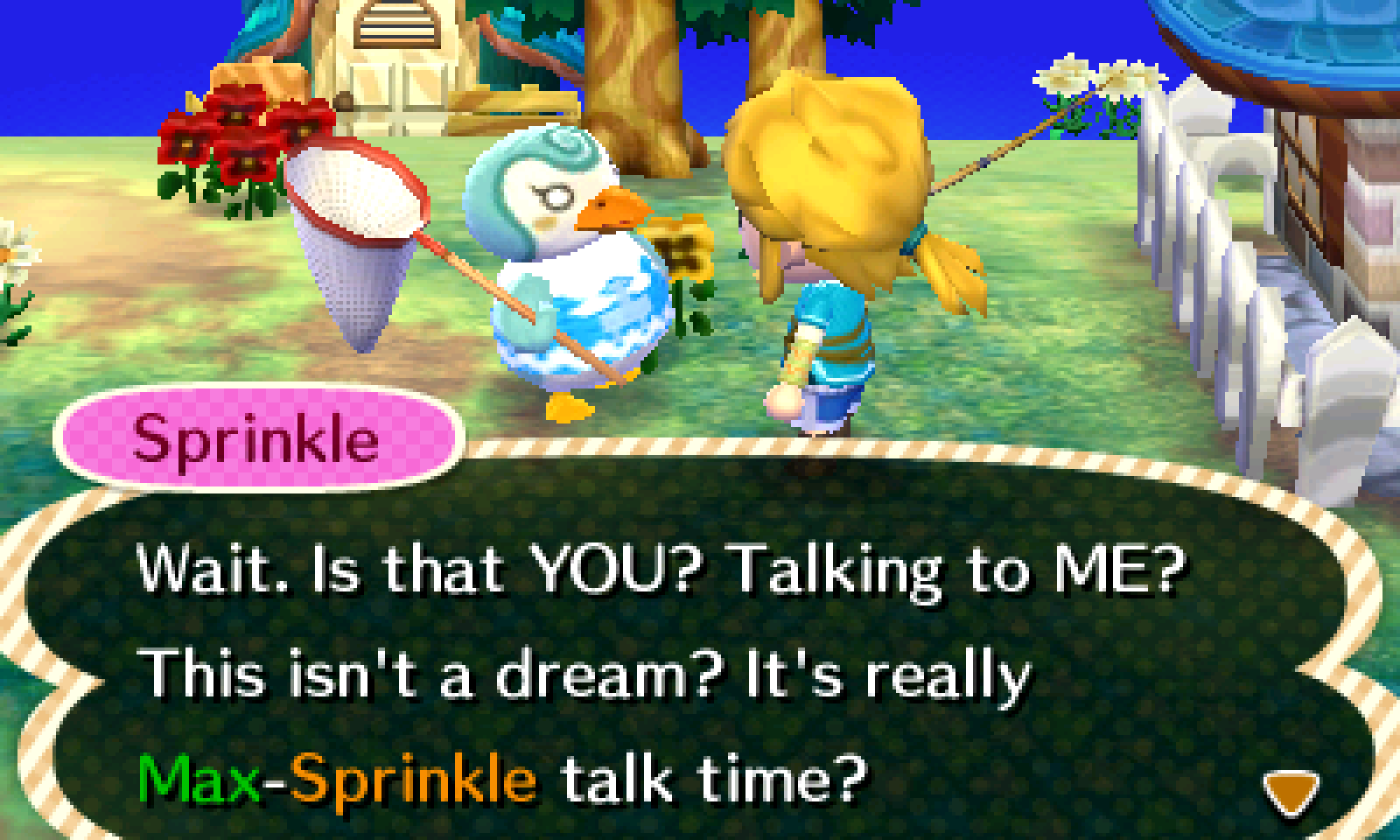 Animal Crossing: New Leaf at a 9x scale
Videos
DDDS Walkthrough
World 1-1, Top Screen, 4K - Super Mario 3D Land
Yoshi's New Island Opening Cutscene 2DS Overlay
Mushroom Cup 150cc, Top Screen, 4K - Mario Kart 7
Mushroom Cup 150cc, Bottom Screen, 4K - Mario Kart 7
Changelog
- Release 1.1.1 - August 31, 2026
- Added support for Intel Mac computers. I was able to test this on a 13'' and 15'' MacBook Pro from 2017 I had around the home. The performance is much more limited in regards to how high a resolution it can record at. The warning system is adjusted for Intel now, but please be mindful of the potential limitations. If there are any issues with this, let me know.
- Release 1.1 - August 6, 2026
- Added support for Keity/Katsukity "Optimize" Capture mods. I built this with help from PGReviews_ as the only guy I know with one of these boards and a Mac. 😅 DDDS should know what board you are using, prompt you to download the required firmware (I don't have the license to ship with DDDS), and then enter your product key since the boards are serialized. If there are any issues with this, let me know.
- Added Top and Bottom hardware screen framing for console overlays, inspired by Mark's Rec Room's videos on the portable Mario Party games.
- Changed organization to the Overlay menu to categorize by console. I think this looks much more manageable and clean.
- Selecting "Current Layout" in recordings or screenshots will include the console overlay displayed, if you have one.
- Changed "Big Screen" to allow for you to select the display that the console renders on.
- Changed "⌘S" command for quick screenshots to use established screenshot settings.
- Release 1.0.3 - July 27, 2026
- Added Sparkle for checking for and updating the app.
- Added a proper, customizable title bar.
- Adjusted the notice in the "Recording" settings that can try to tell the kind of Mac computer you are using and if your chosen settings will result in choppy recordings.
- The current layout title appears in the title bar now and is toggle-able in the "Appearance" settings like frame rate and scale.
- Smoothed animation in the Settings window when switching between panes.
- Release 1.02 - July 27, 2026
- Actually runs on Mac computers besides my own.
- Release 1.0.1 - July 23, 2026
- Initial Release. Crashes when launching on any Mac computer besides my own.